How to make your phone battery last longer: 10 tips that actually work
Small changes to your settings and charging habits can give you hours of extra use each day and keep your battery healthy for years.

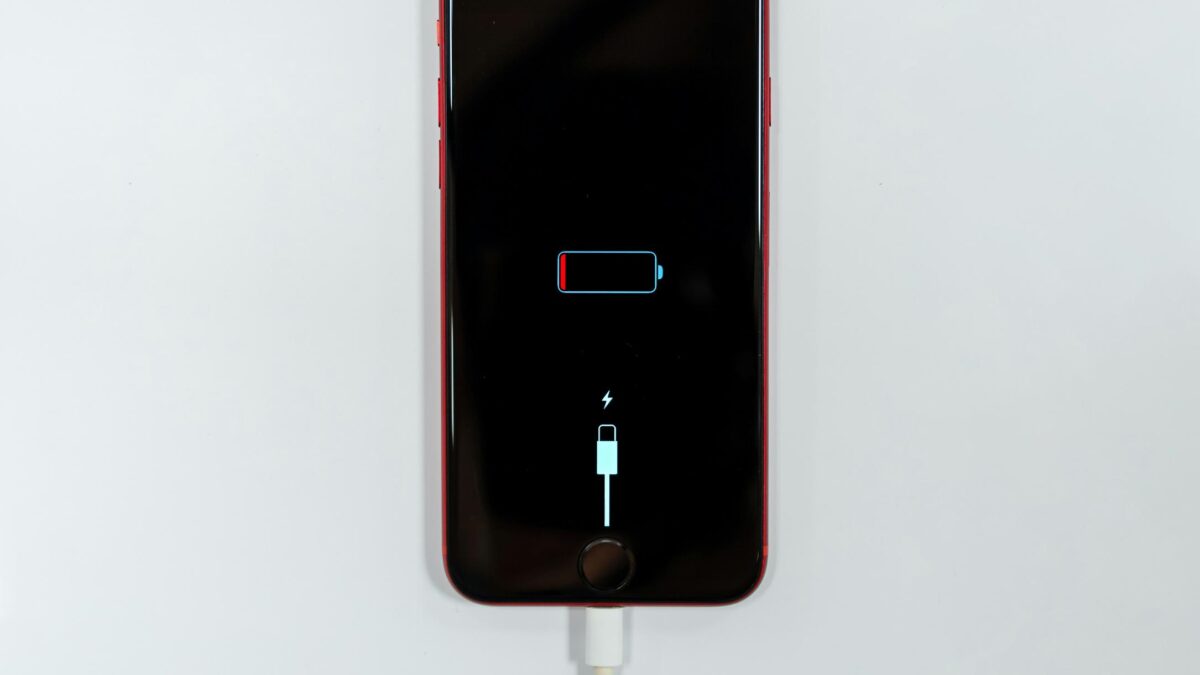
Running out of battery before the day ends is frustrating. The good news: you don’t need a new phone. A few simple changes can give you more hours each day and help your battery stay healthy for longer. These tips work on both iPhone and Android. Menu names can vary slightly by phone model.
Part 1: Get more hours from each charge
1. Lower the screen brightness
The display is usually the biggest battery user. Turn on auto-brightness (or “adaptive brightness”) so the phone adjusts to your surroundings, and avoid keeping it at maximum indoors.
2. Shorten the screen timeout
Set your screen to turn off after 30 seconds or 1 minute of no use. It’s a tiny change that adds up over a day.
3. Use dark mode
Most modern phones have OLED screens, where black pixels are switched off. Dark mode can save a noticeable amount of power on these screens, especially at higher brightness.
4. Find the apps that drain the most
Open Settings → Battery to see which apps use the most power. Social media, video and games are common culprits. Limit their background activity or close them when you’re done.
5. Control location access
Many apps track your location even when you’re not using them. Set apps to use location “Only while using the app”, and turn it off for apps that don’t need it.
6. Reduce background refresh and notifications
Apps that constantly check for new content in the background use power. Turn off background refresh for apps you rarely use, and switch off notifications you don’t need, because each one lights up your screen.
7. Use battery saver mode
Low Power Mode (iPhone) or Battery Saver (Android) reduces background activity and visual effects. Turn it on when you know it will be a long day.
Part 2: Keep your battery healthy for years
8. Avoid heat
Heat is the number one enemy of lithium-ion batteries. Don’t leave your phone in a hot car or direct sunlight, and avoid charging it under a pillow or while playing heavy games.
9. Turn on smart charging
iPhones have Optimized Battery Charging and many Android phones have Adaptive Charging or a charging limit option (often 80%). These features reduce the time your battery sits at 100%, which slows ageing.
10. Don’t worry about “perfect” charging
You don’t need to let the battery drop to 0% before charging. Modern batteries are happiest when kept roughly between 20% and 80%, but charging whenever it’s convenient is fine. Just avoid regularly running it completely flat.
A battery is like a muscle that ages: heat and extreme stress wear it out faster.
Myths you can ignore
- “Closing all apps saves battery.” Not always. Reopening apps from scratch can use more power than leaving them paused.
- “Charging overnight ruins the battery.” Modern phones stop charging at full, and smart charging features handle the rest.
- “Any cheap charger is fine.” Poor-quality chargers can overheat. Use the original charger or a certified one.
When it’s time for a new battery
Check your battery health in Settings → Battery (iPhone shows “Battery Health”; many Android phones show it under battery or device care). If your phone dies quickly even with these tips, a battery replacement is often much cheaper than a new phone.