How to stop your smart TV tracking what you watch (Samsung, LG, Roku, Sony, Vizio, Fire TV)
Most smart TVs use a technology called ACR to record what you watch and sell it for advertising. Here's what it is, and step-by-step instructions to turn it off on every major TV brand.

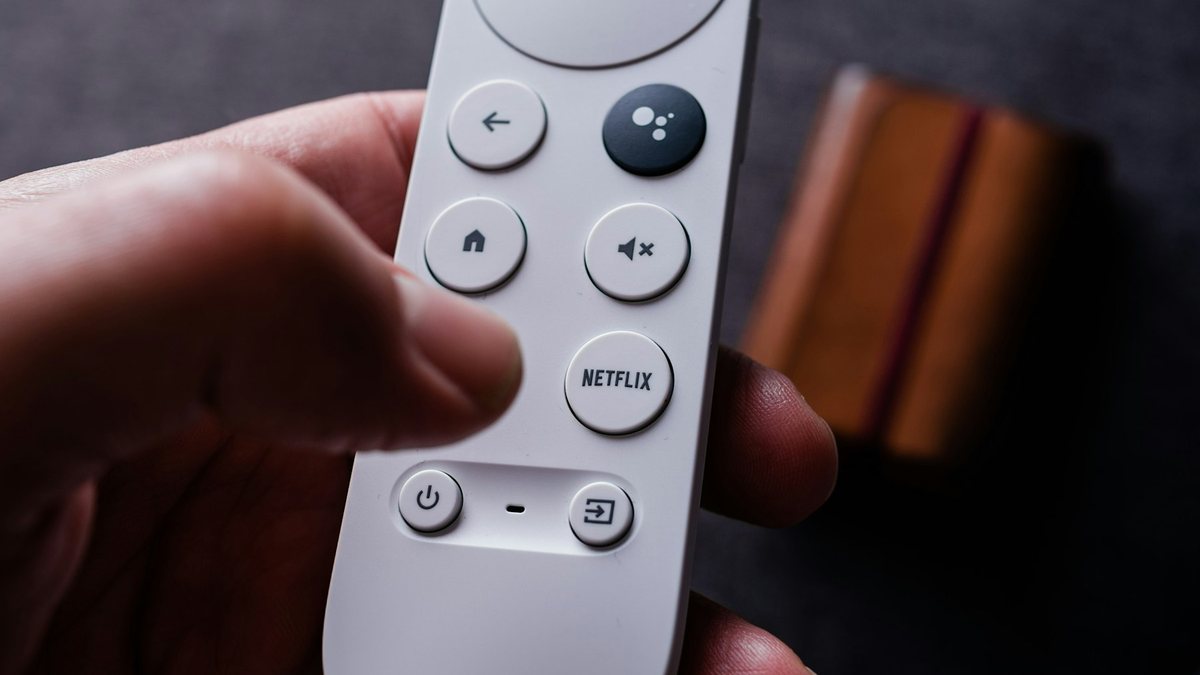
Your smart TV may be watching what you watch. Most modern TVs from brands like Samsung, LG, Roku, Sony and Vizio include a feature called ACR that recognizes everything on your screen, even from a cable box, game console or USB stick, and uses it for advertising.
The good news: you can turn it off in a few minutes. Here’s how.
What is ACR?
ACR (Automatic Content Recognition) takes tiny samples of the picture or sound on your screen, turns them into a “fingerprint”, and matches it against a database of shows, movies and ads. This tells the TV company what you watch and when.
That information can be used to:
- Show you targeted ads on your TV, phone or computer
- Measure whether ads worked
- Build a profile of your interests, which can be shared with advertising partners
It’s legal in most places when you agree to it, often in the long terms you tap through when setting up the TV. In 2026, Samsung agreed in a settlement with the Texas attorney general to stop collecting ACR data from Texans without clear consent, and Texas has also sued other TV makers.
If you didn’t pay for your TV’s software, your viewing habits may be part of how the company makes money.
How to turn off tracking on each brand
Menu names vary by model and year. If you can’t find an exact option, look under Privacy, Terms or General settings.
Samsung
- Go to Settings → All Settings → General & Privacy → Terms & Privacy (on some models: Support → Terms & Privacy → Privacy Choices).
- Turn off Viewing Information Services. This is Samsung’s ACR.
- Turn off Interest-Based Advertisements.
- Optional: turn off Voice Recognition Services if you don’t use voice control.
LG (webOS)
- Go to Settings → All Settings → Support → Privacy & Terms → User Agreements and turn off Viewing Information.
- On some models, go to General → System → Additional Settings and turn off Live Plus.
- Turn off Interest-Based Cross-Device Advertising and turn on Limit Ad Tracking if available.
Roku TVs (including many TCL and Hisense models)
- Go to Settings → Privacy → Smart TV Experience and uncheck Use Info from TV Inputs. This is the ACR setting.
- Go to Settings → Privacy → Advertising, uncheck Personalize Ads and reset your advertising ID.
Sony (Google TV / Android TV)
- Go to Settings → All Settings and look under Privacy for Samba Interactive TV. Turn it off. (Samba TV provides Sony’s ACR.)
- Go to Settings → Privacy → Ads and reset or delete your advertising ID.
- Turn off Usage & Diagnostics reporting.
Vizio
- Go to Settings → All Settings → Admin & Privacy (older models: System → Reset & Admin).
- Turn off Viewing Data.
Amazon Fire TV
- Go to Settings → Preferences → Privacy Settings.
- Turn off Device Usage Data, Collect App and Over-the-Air Usage Data and Interest-Based Ads.
- Reset your advertising ID, and review Manage Sharing From Apps.
Other Google TV sets (TCL, Hisense, Philips)
- Go to Settings → Privacy → Ads and reset or delete the advertising ID.
- On TCL, go to Settings → Privacy → User Agreements and opt out of the User Experience Improvement Program.
- Turn off diagnostics and location services.
Extra privacy tips
- Decline data options during setup on any new TV. It’s easier than changing them later.
- Check again after updates. Software updates can add new settings.
- Turn off the microphone if you don’t use voice control (some TVs have a physical switch).
- Use an external streaming device and keep the TV itself offline. The TV can’t send data if it’s not connected to the internet, although some features will stop working.
- Review your Google or Amazon account ad and activity settings if your TV is linked to them.
Will turning off ACR break anything?
Usually not. Your TV, apps and streaming will work normally. You may lose some “recommendations” features, and you’ll still see ads, just less personalized ones.
Also read: how to control Chrome’s new Gmail autofill.
Frequently asked questions
Do smart TVs track what you watch?
Many do, using ACR technology, unless you turn it off in settings.
What is ACR on a TV?
Automatic Content Recognition: technology that identifies what’s on your screen by matching small samples against a database.
Is it safe to turn off ACR?
Yes. Your TV will work normally; you’ll just get fewer personalized recommendations and ads.
Does turning off ACR stop all data collection?
Not all of it. TVs may still collect some diagnostic or account data, so also turn off ad personalization, usage data and diagnostics where possible.